Technology
SouthwestWiFi.com Explained: How to Connect to Southwest’s Inflight WiFi

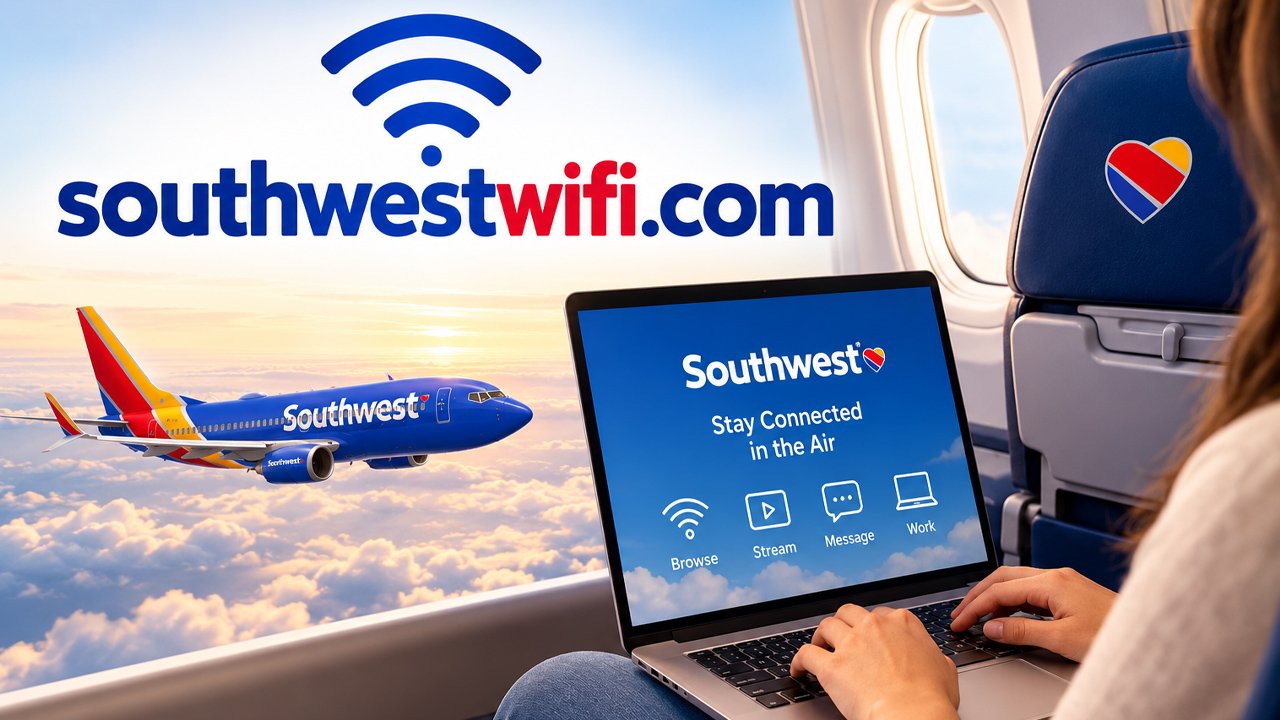
SouthwestWiFi.com is a genuine Southwest Airlines domain that redirects directly to the airline’s official inflight entertainment and WiFi portal, confirmed by checking the redirect destination against Southwest’s own verified website. This article explains what the domain actually does, how the service works, and what to expect when connecting during a flight.
What Happens When You Visit SouthwestWiFi.com?
A direct check of SouthwestWiFi.com confirms it redirects visitors to Southwest Airlines’ official inflight entertainment portal page on southwest.com, with the redirect destination’s canonical URL and site metadata both confirming it belongs to Southwest’s own verified website.
This kind of short, memorable redirect domain is a common practice among airlines and other travel companies, giving passengers an easy-to-remember address to type into a browser while connecting to onboard WiFi, rather than needing to navigate a longer, harder-to-type official URL.
Readers specifically concerned about whether this domain is legitimate can take this confirmation as a reasonably reassuring sign, since the redirect leads directly to Southwest’s own documented, verified inflight entertainment and connectivity information rather than an unrelated or unverified third-party destination.
How Do You Actually Connect to Southwest’s Inflight WiFi?
Established Southwest documentation confirms the connection process starts with turning on Airplane Mode on your device, then separately enabling WiFi, a sequence that allows your device to search for and find the onboard wireless network without attempting an actual cellular connection mid-flight.
After enabling WiFi, passengers should select the network named “Southwest WiFi” from their device’s available network list, then tap “Access the portal” or navigate directly to SouthwestWiFi.com in a browser to reach the connection and entertainment landing page.
This straightforward process is designed to work consistently across most WiFi-enabled Southwest aircraft, though the specific onboard experience can vary slightly depending on the aircraft’s installed connectivity equipment and current software.
Is Southwest’s Inflight WiFi Free?
Established Southwest documentation confirms that Rapid Rewards members receive free WiFi access through the airline’s partnership with T-Mobile, a benefit tied specifically to loyalty program membership rather than being automatically available to every passenger regardless of enrollment status.
The airline’s own inflight portal page specifically invites non-members to join Rapid Rewards at no cost, suggesting that signing up for the free loyalty program is a reasonable step for any passenger who wants to access this free WiFi benefit on a flight.
The page doesn’t specify exact current pricing for non-member WiFi access, meaning passengers who prefer not to join Rapid Rewards should check the specific current pricing displayed within the connection portal itself during their actual flight.
What Entertainment Options Does the Portal Offer?
Established Southwest documentation confirms the inflight portal provides free access to movies, television series, and live television programming, available to passengers regardless of Rapid Rewards membership status, distinguishing this entertainment access from the WiFi connectivity benefit itself.
This free entertainment access is a separate offering from internet connectivity, meaning passengers can typically stream available movies and shows through the portal even if they choose not to pay for or qualify for free internet access during that specific flight.
Readers planning to use this entertainment option should bring their own headphones, since airlines generally don’t guarantee providing this accessory, and checking device compatibility with the airline’s specific streaming format before the flight can help avoid last-minute technical issues.
What Restrictions Apply to the Inflight WiFi Service?
Established Southwest documentation confirms that certain high-bandwidth applications, specific websites, video conferencing services, and potentially offensive content may be blocked or restricted while using the onboard WiFi network, a common limitation across airline inflight connectivity services generally.
These restrictions typically exist because onboard WiFi bandwidth is shared among all connected passengers on a specific flight, meaning heavy usage by one passenger’s high-bandwidth application can meaningfully affect the connection quality experienced by everyone else connected to the same network.
Passengers planning to complete bandwidth-intensive work tasks during a flight should set appropriate expectations in advance, understanding that video conferencing and similarly demanding applications may not function reliably even when a WiFi connection is otherwise successfully established.
What Is Starlink’s Role in Southwest’s WiFi Service?
Established Southwest documentation specifically promotes Starlink-powered WiFi as a newer connectivity option, describing it as fast enough to feel comparable to a home internet connection, though the specific aircraft offering this particular technology may vary across the airline’s current fleet.
Starlink is a satellite internet service that has been adopted by multiple airlines in recent years specifically to improve inflight connectivity speed and reliability compared to older aircraft WiFi technologies that relied on different, often slower connectivity methods.
Passengers specifically interested in confirming whether their particular flight offers this newer Starlink-powered connectivity should check their specific aircraft’s amenities information, since availability depends on which specific aircraft is assigned to a given flight.
Does SouthwestWiFi.com Ask for Payment or Personal Information?
A direct check of the SouthwestWiFi.com redirect destination finds no payment forms or personal information requests on the main inflight entertainment and WiFi information page itself, with the page instead providing general information about connecting and a link to join Rapid Rewards on a separate page.
Any personal information collection specifically happens through the separate Rapid Rewards enrollment process or through the actual inflight connection portal encountered once aboard a specific flight, rather than on the general informational page this domain redirects to when checked from outside the aircraft.
Passengers should still apply standard caution with any personal or payment information entered during the actual inflight connection process, confirming they’re interacting with Southwest’s own genuine onboard portal rather than any unexpected prompt that seems inconsistent with the airline’s typical connection process.
What Should You Check Before Trusting Claims About This Domain?
Checking where a short, memorable redirect domain actually leads is a reasonable step before trusting it, particularly for anything related to travel or connectivity services. Southwest Airlines’ official inflight entertainment and WiFi information page documents the airline’s own current connectivity and entertainment offerings in detail.
Understanding how satellite internet technology like Starlink works provides useful context for evaluating the newer connectivity option Southwest specifically promotes. Wikipedia’s entry on Starlink documents this satellite internet service’s technology and its adoption across various industries, including aviation.
Applying this same verification approach, checking where a redirect domain actually leads before trusting it, is a reliable habit for evaluating any similarly structured short domain used by a company for convenience.
What Should You Take Away From This Overall?
SouthwestWiFi.com is a genuine Southwest Airlines domain that redirects to the airline’s official inflight entertainment and WiFi information page, giving passengers an easy-to-remember way to access connection instructions, entertainment options, and Rapid Rewards enrollment information.
Passengers can confidently use this domain as described in Southwest’s own documentation, following the standard connection process while keeping reasonable expectations about bandwidth restrictions and the specific amenities available on their particular aircraft.
How Does This Compare to Other Airlines’ Inflight WiFi Domains?
Many major airlines use similarly structured short, memorable redirect domains specifically for their inflight WiFi portals, a common industry practice that makes it easier for passengers to connect without needing to remember or type a longer, more complex official website address.
This pattern means passengers flying with different airlines should expect to encounter a similar kind of airline-specific WiFi domain on each carrier, and applying the same verification habit, checking that the domain redirects to the airline’s own verified official page, remains useful across any airline’s specific connectivity service.
Recognizing this common pattern helps frequent travelers quickly distinguish a legitimate airline WiFi domain from a potentially fraudulent lookalike that might attempt to mimic this kind of convenient redirect structure for malicious purposes instead.
What Should Passengers Do If a Connection Portal Looks Different Than Expected?
Passengers who encounter an inflight connection portal that looks noticeably different from what Southwest’s own documentation describes, or that unexpectedly requests sensitive payment or personal information beyond what’s typically needed, should proceed cautiously and consider asking a flight attendant for clarification.
This kind of caution is a reasonable general practice for any inflight or public WiFi connection, since shared network environments can occasionally be targeted by malicious actors attempting to intercept connections or present a fraudulent portal mimicking the genuine service.
Flight crew members can typically confirm whether a specific technical issue or unusual portal appearance reflects a known, temporary problem with the aircraft’s connectivity system rather than something requiring more serious caution from the passenger’s side.
A Final Practical Note for Travelers
Bookmarking SouthwestWiFi.com or simply remembering the connection steps outlined in this article can save time during your next Southwest flight, particularly if you plan to join Rapid Rewards beforehand to take advantage of the free WiFi benefit. Bringing your own headphones and setting realistic expectations about bandwidth-heavy tasks will help you get the most out of the free entertainment and connectivity options available onboard.
What Should Frequent Flyers Know About Managing Expectations Onboard?
Frequent flyers who regularly rely on inflight WiFi for work or entertainment should check their specific flight’s aircraft type in advance when possible, since newer Starlink-equipped aircraft generally offer a noticeably faster and more reliable connection than older connectivity equipment still in use across part of the fleet.
Building a habit of joining Rapid Rewards before a flight, rather than attempting to sign up during the flight itself, helps ensure the free WiFi benefit activates smoothly from the moment boarding begins, avoiding any unnecessary signup delay once already in the air.
This kind of advance preparation, confirming loyalty program enrollment and checking aircraft amenities where possible, helps frequent travelers get the most reliable and immediate benefit from Southwest’s inflight connectivity and entertainment offerings on each individual flight.
What Should Business Travelers Specifically Plan Around?
Business travelers planning to work during a flight should confirm in advance which specific tasks they’ll need to complete, since video conferencing and other high-bandwidth applications may not function reliably even with a successful WiFi connection, particularly on aircraft without the newer Starlink-powered connectivity option.
Preparing offline-accessible versions of necessary documents and presentations beforehand, rather than relying entirely on a stable inflight connection for the full duration of a flight, remains a sensible contingency for business travelers who genuinely need their work completed by landing.
Conclusion
SouthwestWiFi.com is a genuine Southwest Airlines domain redirecting to the airline’s official inflight entertainment and WiFi page, giving passengers an easy way to find connection instructions and entertainment options. Following the standard connection process and joining Rapid Rewards beforehand is a reasonable way to make the most of this free onboard service.
Frequently Asked Questions
Is SouthwestWiFi.com an official Southwest Airlines website?
Yes, a direct check confirms it redirects to Southwest’s own official inflight entertainment and WiFi information page on southwest.com, with the destination’s canonical URL and site metadata both confirming it belongs to the airline’s verified website.
Is Southwest’s inflight WiFi free?
Rapid Rewards members receive free WiFi through Southwest’s partnership with T-Mobile. Non-members should check current pricing displayed within the actual inflight connection portal, since the general information page doesn’t specify a non-member rate.
How do I connect to Southwest’s inflight WiFi?
Turn on Airplane Mode, enable WiFi, select the “Southwest WiFi” network from your device’s list, then tap “Access the portal” or visit SouthwestWiFi.com directly in your browser to reach the connection and entertainment landing page.
What entertainment can I access without paying for WiFi?
Southwest offers free movies, TV series, and live television through its inflight portal, available to passengers regardless of whether they pay for or qualify for free internet access, though bringing your own headphones is recommended.
What should I do if the inflight portal looks unusual or asks for unexpected information?
Proceed cautiously and ask a flight attendant for clarification, since this could indicate a temporary technical issue or, less commonly, a fraudulent portal attempting to mimic the genuine Southwest connection experience.


milomagazine.co.uk in 2026: What Readers Should Know

What Is Adrian CryptoProNetwork and Who Is Behind It?

SouthwestWiFi.com Explained: How to Connect to Southwest’s Inflight WiFi

What Is Linkrify? A Plain-English Guide to Its Tools

MetALD: When Drinking and Metabolic Health Damage the Liver Together

How Does Webinkey.com Work? A Step-by-Step Overview

Who Is Jaisal Andrews? Inside the Life of Naveen Andrews’ Son

Who Is Tanja Rosner? The Untold Life Story of Tate McRae’s Mother

Who Is Saffron Le Bon? The Untold Life Story of Benjamin Compston’s Wife

Who Is Kerri Browitt Caviezel? The Inspiring Life Story of Jim Caviezel’s Wife

Who Is Sue Johnston? The Remarkable Life Story of Joel Palmentor’s Mother

Who Is Otelia Cox? The Remarkable Life Story of Tony Cox’s Wife
-
 Celebrity2 months ago
Who Is Jaisal Andrews? Inside the Life of Naveen Andrews’ Son
-
 Celebrity2 months ago
Who Is Tanja Rosner? The Untold Life Story of Tate McRae’s Mother
-
 Celebrity2 months ago
Who Is Saffron Le Bon? The Untold Life Story of Benjamin Compston’s Wife
-
 Celebrity2 months ago
Who Is Kerri Browitt Caviezel? The Inspiring Life Story of Jim Caviezel’s Wife
-
 Celebrity2 months ago
Who Is Sue Johnston? The Remarkable Life Story of Joel Palmentor’s Mother
-
 Celebrity2 months ago
Who Is Otelia Cox? The Remarkable Life Story of Tony Cox’s Wife
-

 Software1 month ago
Voozon.com Explained: What It Really Is Behind the “Knowledge Platform” Label
-

 News2 months ago
Money6x.com: What This Personal Finance Platform Offers