Software
SFM Compile Explained: A Practical Guide to Compiling Custom Models

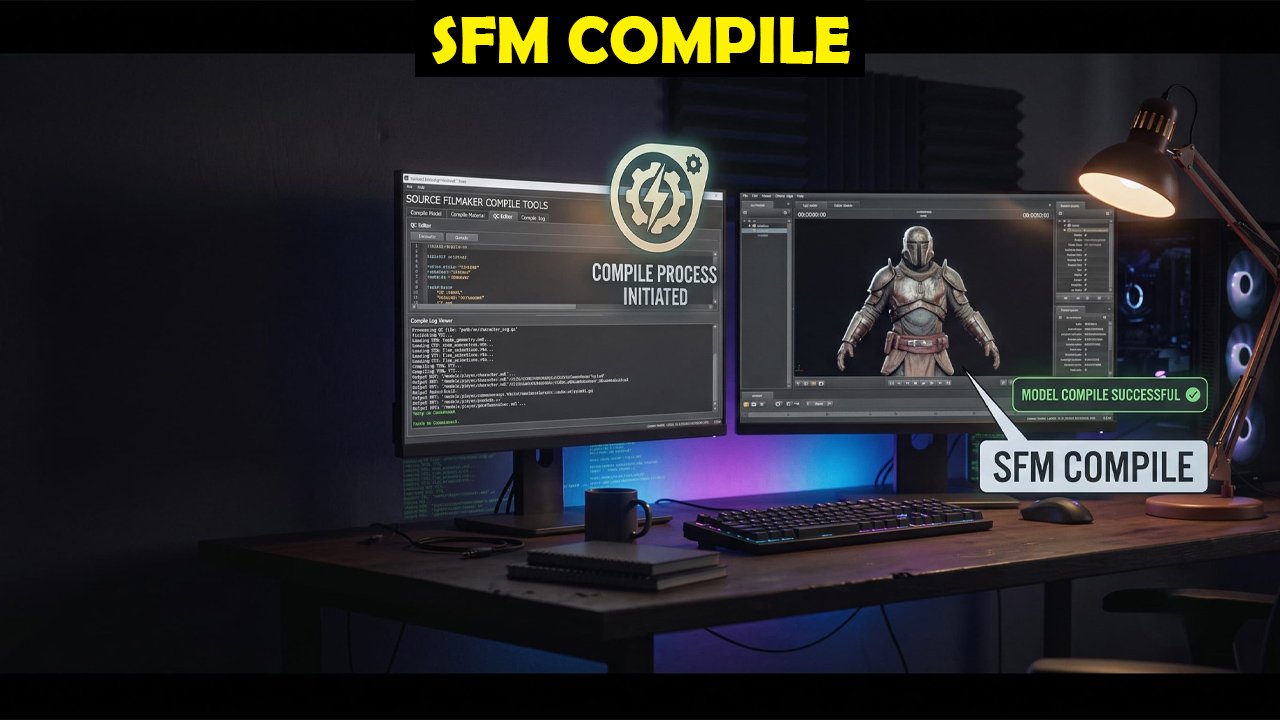
SFM Compile refers to the genuine, well-documented technical process of converting 3D model source files into the .mdl format that Valve’s Source Filmmaker, a real, free animation tool built on the Source engine, can actually load and animate correctly, typically using established community tools like Crowbar or the Blender Source Tools plugin specifically for this purpose. This article covers what compiling actually involves, why it’s necessary, and how to approach it as a genuine technical skill worth learning properly rather than treating it as a mysterious or overly complicated process from the outset.
What Does “Compiling” Actually Mean in This Context?
Compiling, in the Source Filmmaker context, refers to the process of converting a set of source files, typically a .qc script alongside associated mesh, texture, and animation reference files, into the compiled .mdl format that the Source engine’s rendering and animation systems can actually read and use properly. This is conceptually similar to how programming source code gets compiled into an executable program; the human-editable source files describe the model’s geometry, materials, and skeletal structure, while the compiled .mdl file is the optimized, engine-ready format SFM and other Source engine games actually load and use at runtime.
Valve’s own Source SDK historically included the official compiling tool, studiomdl.exe, which remains the underlying engine that most modern community tools, including Crowbar, ultimately call to perform the actual compilation step, even when they provide a friendlier, more approachable graphical interface around that underlying process.
Why Do Custom Models Need to Be Compiled Before Use in SFM?
Source Filmmaker, like the broader Source engine it’s built on, is specifically designed to load models in its own optimized, compiled format rather than reading raw 3D modeling files directly from programs like Blender or 3ds Max, since the compiled format includes engine-specific data like collision meshes, level-of-detail information, and skeletal rigging data organized precisely in a way the engine’s rendering pipeline actually expects and requires. This means anyone wanting to bring a custom character, prop, or environment model into SFM, rather than using only Valve’s officially provided assets, needs to go through this compilation process at some point.
This requirement isn’t unique to Source Filmmaker specifically; most game engines with their own proprietary or semi-proprietary asset formats require some kind of conversion or compilation step between general-purpose 3D modeling software and the engine’s actual runtime format, regardless of which specific engine or toolset is involved.
What Tools Are Commonly Used for This Process?
Crowbar, a genuinely widely used, actively maintained community tool, provides a graphical interface for both compiling and decompiling Source engine models, handling much of the underlying complexity of writing and managing .qc files directly, making it a common, reasonable starting point for people entirely new to this process. The Blender Source Tools plugin, which integrates directly with Blender, a genuine, widely used free 3D modeling program, provides another well-established pathway, allowing modelers to export directly from their modeling environment toward a Source-engine-compatible format with considerably less manual file management required overall.
Both tools ultimately rely on Valve’s underlying studiomdl compiler to perform the actual conversion, meaning understanding basic .qc file structure remains genuinely useful even when using a graphical tool that abstracts away much of the manual, low-level process involved.
What Are Common Problems People Encounter When Compiling Models?
Missing or incorrectly referenced texture and material files, incorrect bone or skeleton naming that doesn’t match SFM’s expected rigging conventions, and .qc script syntax errors are among the most commonly reported problems people encounter when compiling custom models for the first time, according to consistent, long-running community discussion across Source Filmmaker and Source engine modding forums over the years. Working through a genuinely simple test model first, before attempting a complex custom character with detailed rigging, is a widely recommended practical approach for building familiarity with the compilation process without simultaneously troubleshooting multiple unrelated issues at the same time.
Community forums and dedicated Source Filmmaker and Source engine modding communities remain a genuinely useful resource for troubleshooting specific compilation errors, since many common problems have already been documented and solved by other community members facing the same specific issues. Crowbar’s own official documentation and release page on the Valve Developer Community wiki provides a reliable, current reference for the tool’s specific features and known limitations.
How Should You Learn This Process If You’re Completely New to It?
Starting with Valve’s own developer documentation on the Source SDK and studiomdl compiler, then working through a genuinely simple, well-documented community tutorial using Crowbar or the Blender Source Tools plugin specifically, provides a more reliable learning path than attempting to compile a complex, highly detailed custom model on a first attempt. The Valve Developer Community wiki, Valve’s own official documentation resource for Source engine tools, provides genuinely authoritative technical reference material that community-written guides often build directly upon.
Practicing with simple, low-complexity test models specifically, before investing significant time into a detailed custom character or environment piece, is a genuinely practical way to build lasting confidence with the compilation workflow while minimizing frustration from compounding, hard-to-diagnose errors along the way and over time.
How Does This Process Fit Into a Broader Source Filmmaker Animation Workflow?
Compiling a custom model is typically just one step within a considerably broader Source Filmmaker animation workflow, which also includes tasks like setting up lighting, camera work, facial and body animation using SFM’s own posing and animation tools, and rendering final output, meaning the compilation step, while genuinely important, represents only part of what’s needed to produce a finished animation. Understanding where compilation fits within this broader pipeline helps set realistic expectations for newcomers who might otherwise assume successfully compiling a model means an animation project is nearly finished, when substantial additional animation work typically remains afterward.
Many experienced Source Filmmaker creators recommend building genuine comfort with the engine’s native posing and animation tools using Valve’s officially provided assets first, before investing significant time into custom model compilation specifically, since this sequencing helps separate learning the compilation process from simultaneously learning SFM’s broader animation toolset. This kind of deliberate, staged learning approach tends to produce considerably less frustration than attempting to master both skill sets simultaneously from the very beginning of a new creative project.
What Should You Know Before Investing Significant Time Into This Skill?
Compiling custom models for Source Filmmaker is a genuinely learnable technical skill, but it does require some comfort with file structures, basic scripting concepts in .qc files, and methodical, patient troubleshooting, making it more approachable for people with at least some prior experience with 3D modeling software or basic technical workflows more generally speaking. Setting realistic expectations about the learning curve, rather than expecting immediate success with a complex model on a first attempt, genuinely helps maintain motivation through the inevitable early troubleshooting that most people experience when first learning this specific process in detail.
Community-maintained resources including detailed Crowbar documentation and active Source Filmmaker community forums provide considerably more reliable, currently accurate guidance than generic, unsourced “complete guide” articles that don’t clearly demonstrate genuine hands-on familiarity with the actual compilation workflow and its many common pitfalls encountered along the way.
Conclusion
SFM Compile describes a genuine, well-documented technical process for converting custom 3D models into the format Source Filmmaker requires, typically using community tools like Crowbar or Blender Source Tools alongside Valve’s official studiomdl compiler. Anyone learning this skill should start with simple test models and Valve’s own developer documentation, building familiarity gradually rather than attempting complex custom characters before understanding the basic compilation workflow.
Frequently Asked Questions
What does “SFM Compile” actually refer to?
It refers to converting 3D model source files into the compiled .mdl format Source Filmmaker can load, typically using community tools like Crowbar or the Blender Source Tools plugin alongside Valve’s underlying studiomdl compiler.
Why can’t I just import a model directly into SFM without compiling it?
Source Filmmaker requires models in its own optimized, engine-specific compiled format, which includes rigging, collision, and rendering data organized differently than raw files from general 3D modeling software like Blender.
What tools do people commonly use to compile models for SFM?
Crowbar and the Blender Source Tools plugin are the most commonly used community tools, both of which ultimately rely on Valve’s official studiomdl compiler to perform the actual underlying conversion process.
What are the most common problems when compiling a model for the first time?
Missing or incorrectly referenced textures, mismatched bone or skeleton naming conventions, and .qc script syntax errors are the most frequently reported issues among people learning this process for the first time.
Where should a beginner start learning to compile models for SFM?
Start with Valve’s official developer documentation and a simple, well-documented community tutorial using Crowbar or Blender Source Tools, practicing on a low-complexity test model before attempting detailed custom characters yourself.


Haslhof Explained: The Real German and Austrian Villages Behind This Place Name

Gaymetu E: What This Gaming Community Site Publishes

Who Is Arabella Sezen Oz? The Fascinating Life Story of Dr. Mehmet Oz’s Daughter

Who Was Saul Consuelos? The Full Life Story of Mark Consuelos’ Father

Who Is Diane Addonizio? The Verified Facts About Howie Long’s Wife

What Does “Landslide” by Fleetwood Mac Actually Mean?

Who Is Kerri Browitt Caviezel? The Inspiring Life Story of Jim Caviezel’s Wife

Who Is Jaisal Andrews? Inside the Life of Naveen Andrews’ Son

Who Is Saffron Le Bon? The Untold Life Story of Benjamin Compston’s Wife

Who Is Sue Johnston? The Remarkable Life Story of Joel Palmentor’s Mother

Who Is Tanja Rosner? The Untold Life Story of Tate McRae’s Mother

Who Is Otelia Cox? The Remarkable Life Story of Tony Cox’s Wife
-
 Celebrity4 weeks ago
Who Is Kerri Browitt Caviezel? The Inspiring Life Story of Jim Caviezel’s Wife
-
 Celebrity1 month ago
Who Is Jaisal Andrews? Inside the Life of Naveen Andrews’ Son
-
 Celebrity4 weeks ago
Who Is Saffron Le Bon? The Untold Life Story of Benjamin Compston’s Wife
-
 Celebrity4 weeks ago
Who Is Sue Johnston? The Remarkable Life Story of Joel Palmentor’s Mother
-
 Celebrity4 weeks ago
Who Is Tanja Rosner? The Untold Life Story of Tate McRae’s Mother
-
 Celebrity3 weeks ago
Who Is Otelia Cox? The Remarkable Life Story of Tony Cox’s Wife
-

 Celebrity4 weeks ago
Who Is Amanda Redman? The Inspiring Life Story of Joan Redman’s Daughter
-

 Technology3 weeks ago
FintechZoom.io Explained: What to Verify Before Trusting This Site